Portrait restoration: before and after
A synthetic portrait and a real FotoLab restoration result: one run, 50 credits, with visible improvements and limitations.
FotoLab editorial team · · How we check results
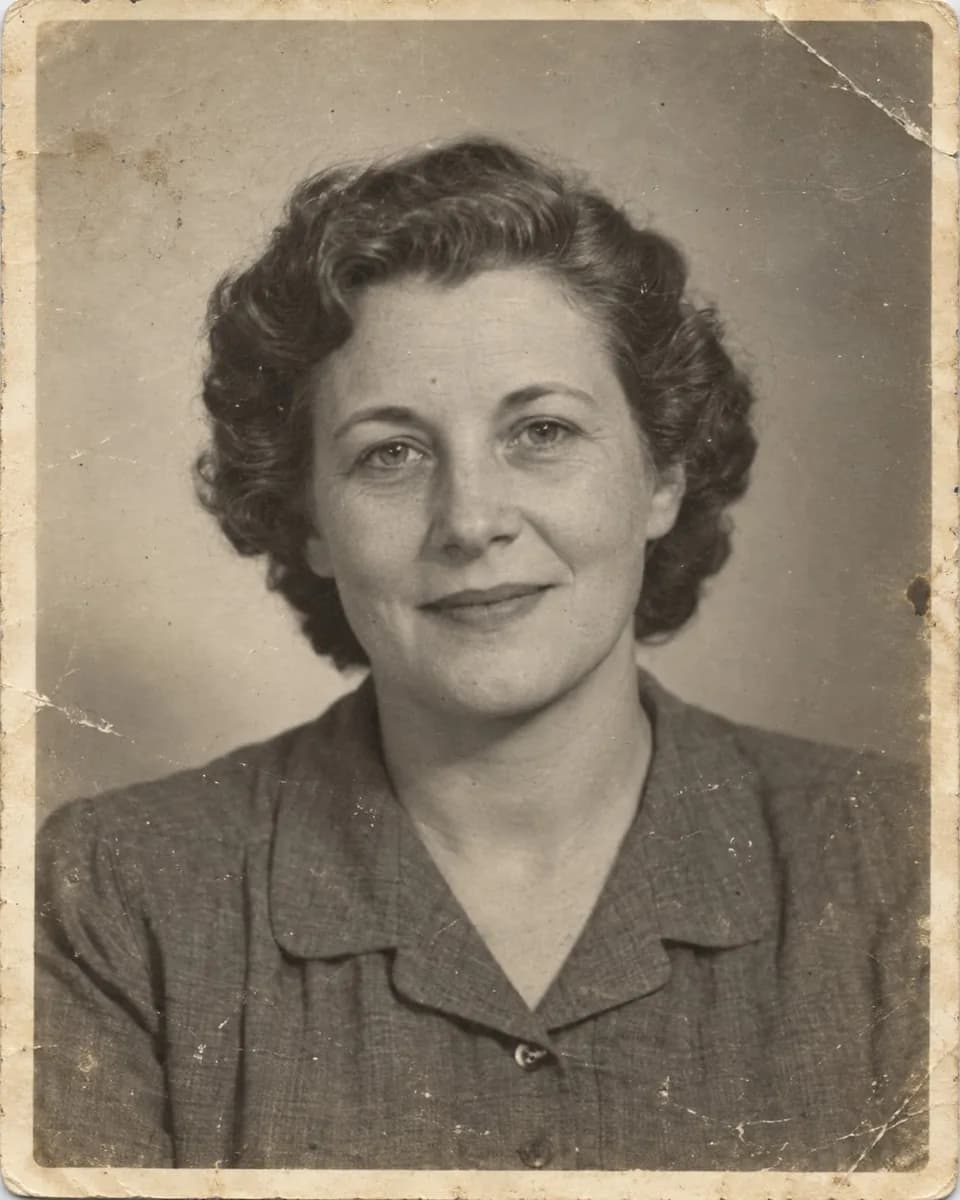
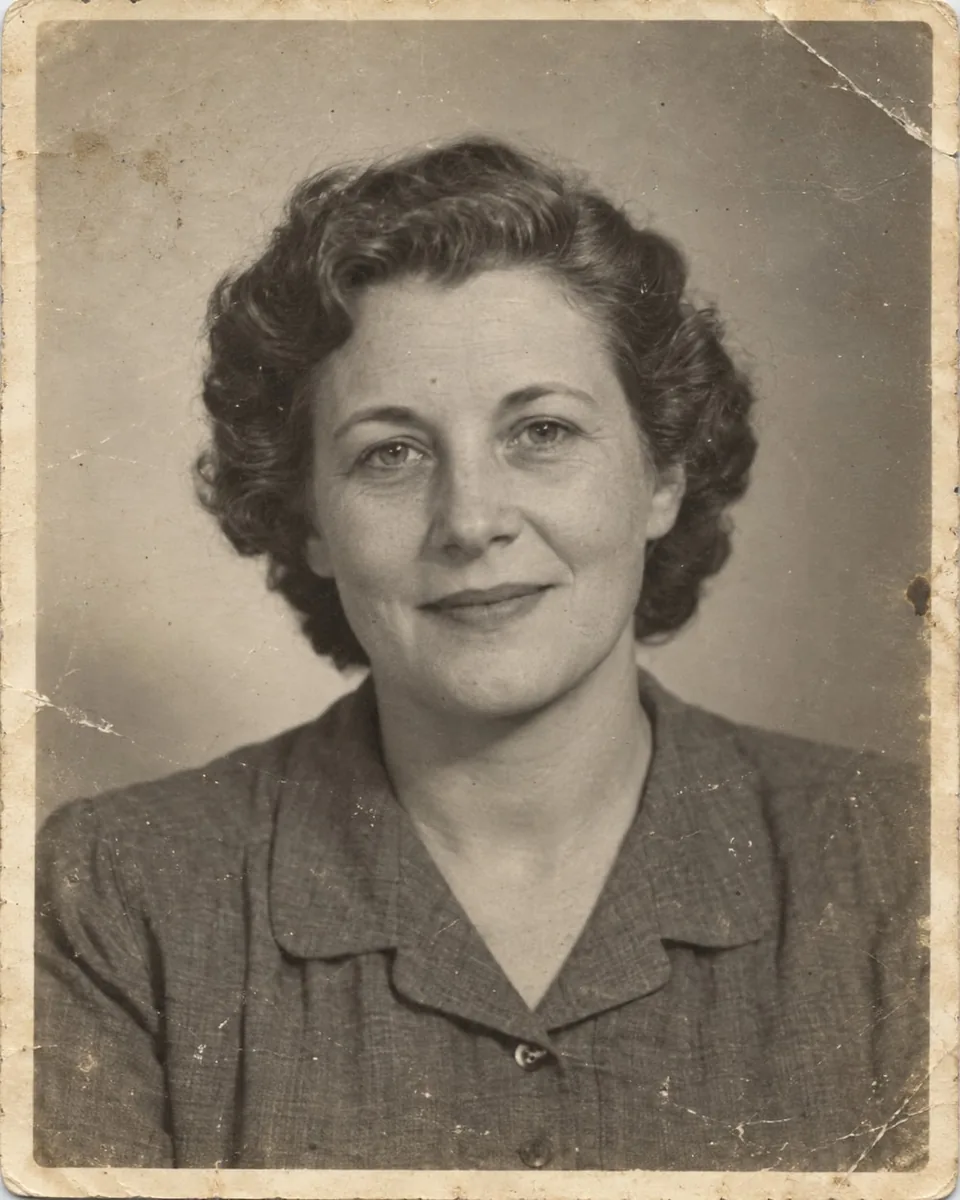
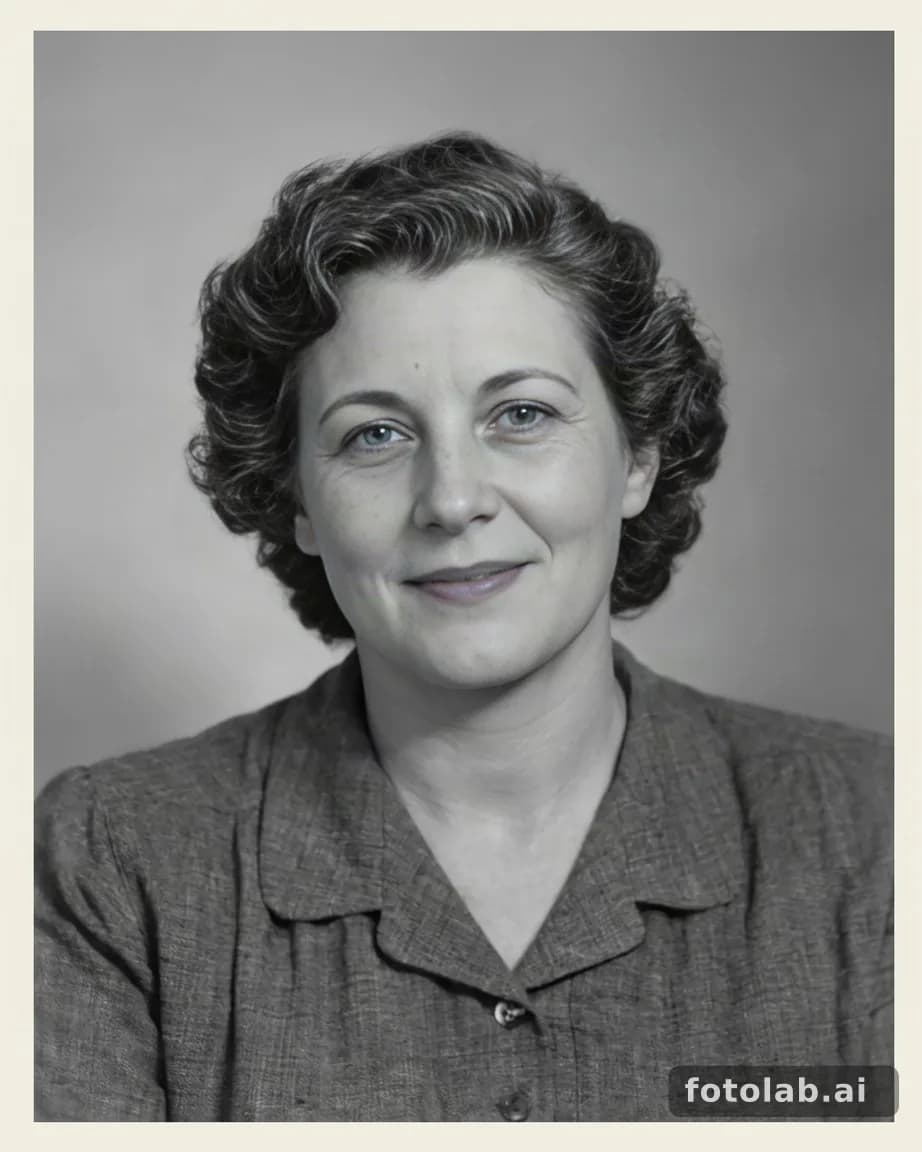
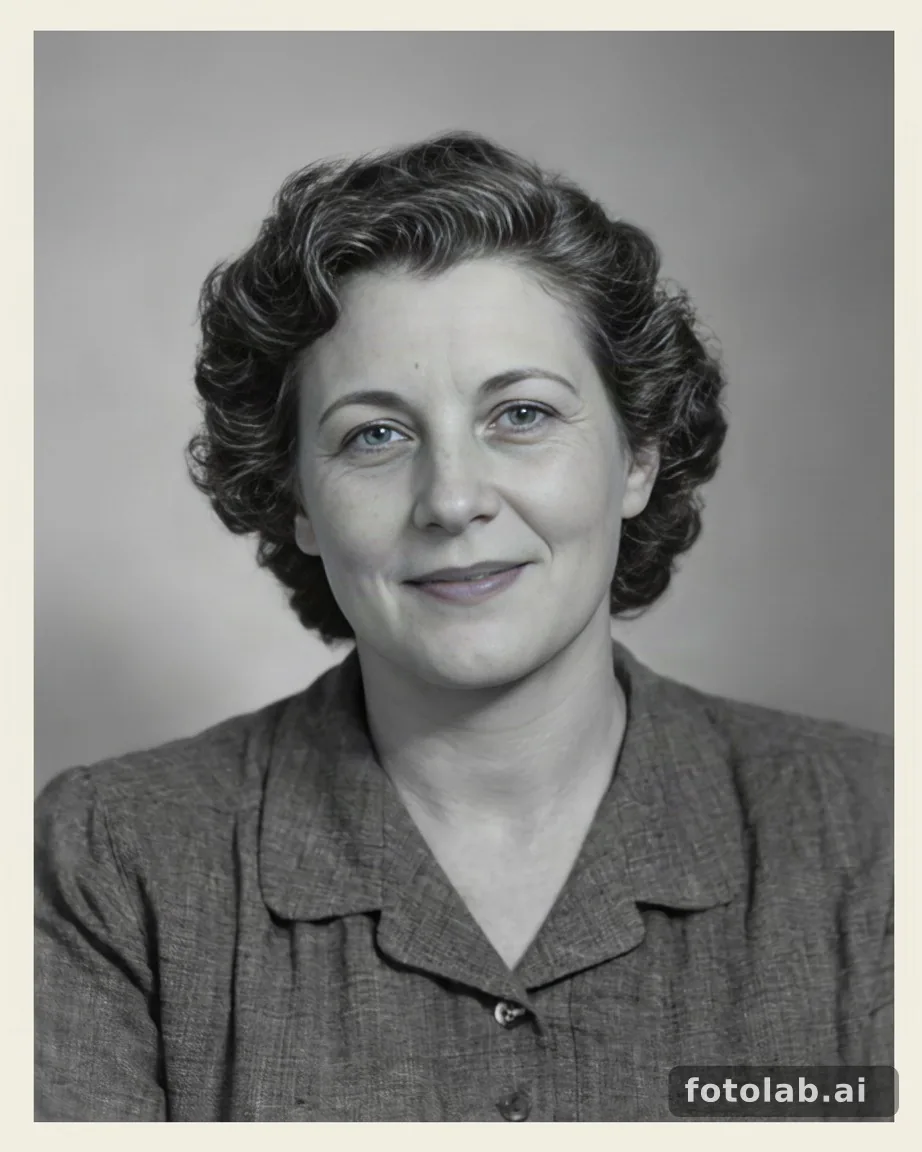
The source is AI-generated and depicts a fictional person. This is a demonstration, not a customer story or a historical photograph. The result was produced by the actual FotoLab restoration service on October 7, 2026.
How this example was produced
- Mode
- Black-and-white restoration
- Runs and cost
- 1 run · 50 credits
- Input
- JPEG · 1000 × 1250 · 183 KiB
The synthetic JPEG was processed once in FotoLab. There was no manual retouching of the result. Published copies are resized and compressed as WebP for faster loading; the trial watermark remains visible.
This is the cost of this particular run. Check the current mode and cost in the form before starting your own processing. Each new run uses credits. Current credit packs.
What improved, and what changed
- Most scratches and stains are removed. Contrast and the visibility of hair and fabric detail increased.
- The worn paper border is replaced with a clean border. This does not recover the original physical print.
- Skin looks smoother, and fine details of the face and fabric differ from the source. Small color tints remain around the eyes and lips despite selecting the monochrome mode.
AI reconstructs plausible details; it cannot verify missing historical information. Do not infer a real person’s appearance or eye color from this output. Compare the source and result before using a restored portrait in a family archive.
Try it on your photograph
Prepare a scan and check likeness · Open restoration
Keep the original and begin with one photo. AI processing uploads a working copy to the server; file handling is described in the privacy policy. Privacy policy.