Skip to content
AI Studio: video and imagesUnlock more ways to create in our AI StudioGo to Studio
FotoLab.ai
AI StudioNEWAnimateRestoreFree tools
PricingContact
FotoLab · AI Animation

Animate Photos Online: Turn a Portrait into Video with AI

Upload a portrait and get an HD video in 1–3 minutes. Sign up for 100 starter credits.

See animation examples
Secure
from 100 credits

100 starter credits after sign-up. Trial results have a watermark. The cost is shown before you start. Each new run uses credits.

See current credit packs · Free editing on your device, without AI credits

Try photo animation with starter credits

Start with one photo and check the result before working on your collection. No payment card is needed to sign up.

Your first trial
100 starter credits for first sign-up, subject to safeguards against repeat registrations. The balance is shared across animation, restoration and enhancement; the number of runs depends on your chosen settings. The form shows the cost before you start.
Your result
Trial results have a fotolab.ai watermark. After your first credit purchase, results of new processing runs have no watermark.
Further processing
Each new run uses credits, including another attempt with different settings. Top up when the remaining balance is too low. Credit packs have no subscription.
See current credit packs

See the results and how processing works

View examplesRead the animation guide

Other Features

Photo RestorationPhoto EnhancementHow to prepare a photo for animationAnimating old family photographs

What is AI photo animation

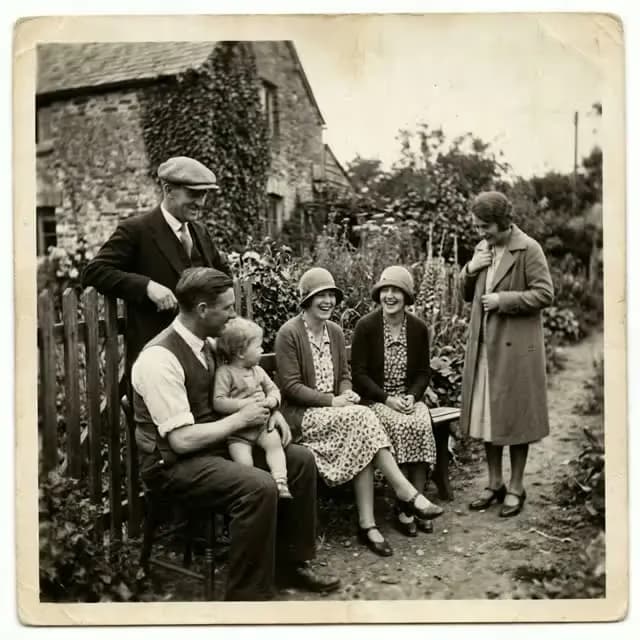
Photo animation is a technology that turns a static portrait into a short video with realistic movements: blinking, subtle smile, head turn. The neural network analyses the face in the photograph and generates a short MP4 video. It works with black-and-white and colour photos of any age, including damaged archival images.

Which photos are suitable for animation

  • Portraits with one clearly visible face
  • Black-and-white photographs from the 1940s through 1990s
  • Colour photos of any era, from modern to Polaroid
  • Scans of old photographs — even with scratches and fading
  • Selfies and studio portraits in JPG, PNG, WEBP, HEIC formats

How long does photo animation take

Processing usually takes 1–3 minutes. It can take longer during busy periods. Speed depends on the selected quality (HD 720p or Full HD 1080p) and video length. The finished MP4 video can be downloaded immediately after processing.

Are my photos safe

Photos are transmitted over HTTPS. Uploaded photos and results are stored for processing and access from your account. Download the finished video and keep your own copy.

Frequently Asked Questions About Photo Animation

Answers to popular questions about AI photo animation technology

How long does photo animation take?

Allow about 1–3 minutes for photo animation. Settings, queues and retries can make it take longer. The form shows the current processing status and estimate.

What photo formats are supported for animation?

JPG, JPEG, PNG, WebP, BMP, TIFF, HEIC, HEIF, up to 50 MB per file. Use a clear portrait with the face in focus.

How much does photo animation cost?

Animation starts from 100 credits (about 100 ₽ in the Basic pack: 499 ₽ = 500 credits) for 8 seconds in HD (720p). Full HD (1080p) costs 300 credits, 12 seconds in HD costs 150. Sound doubles the animation price. The exact cost is shown in the form before you start. Sign-up provides 100 starter credits shared across AI services; trial results have a watermark.

Can old black-and-white photos be animated?

Yes, our AI works excellently with black-and-white and vintage photographs. The algorithm can create natural movements even for historical shots.

What quality is the video after animation?

MP4 video, 8 or 12 seconds, in HD (720p) or Full HD (1080p), depending on your settings. Result length is separate from processing time.

Is it safe to upload personal photos?

AI processing uploads your photo to the server. Source photos and results are used for processing and account history. Download a copy you want to keep; the history is not a permanent archive.

Didn't find the answer to your question?

Ask a Question

Ready to Bring Your Memories to Life?

Upload a photo and get a living video, usually in 1–3 minutes

FotoLab.ai

Professional AI photo restoration. We restore your precious memories using cutting-edge machine learning technology.

Sections

How It WorksExamplesReviews and examplesFAQPhoto converterPricing

Animation

Animate old photosPhoto animation onlinePhoto animation guideAll guides and examples

Restoration

Old photo restorationRestore photos onlinePhoto quality enhancement

Legal

AboutPrivacy PolicyTerms of Service

Company Info

IE Zakharov M.S.

INN: 361608356714

support@fotolab.ai

Credits never expire and there is no subscription. See pricing and processing costs

© 2026 FotoLab.ai. All rights reserved.

Animation Examples

See how AI turns static photos into living videos

Portrait

Portrait

100 credits

Family Photo

Family Photo

100 credits

Vintage Photo

Vintage Photo

100 credits