Animate Old Photos Online with AI
Turn family portraits into short videos. Choose settings, check the cost and follow the status in the form.
What Our Animation Does
- Realistic facial expressions and blinking
- Smooth head and neck movements
- Natural breathing and shoulder motion
- Works with portraits of any age
- Old black-and-white and color photos
- High-quality MP4 video output
First sign-up provides 100 starter credits shared across AI services. Trial results have a watermark; the form shows the mode’s cost.
Animate PhotoHow to Animate a Photo in 3 Steps
Simple process — upload a photo, AI does the rest
Upload a Portrait
Choose a photo from your device. Best results with portraits showing a clearly visible face.
AI Creates Animation
The neural network analyzes the face and generates realistic facial movements and head turns.
Download the Live Video
Get an MP4 video of your animated portrait and share it with loved ones.
Animation Examples
See how AI turns static photos into living videos

Portrait
100 credits
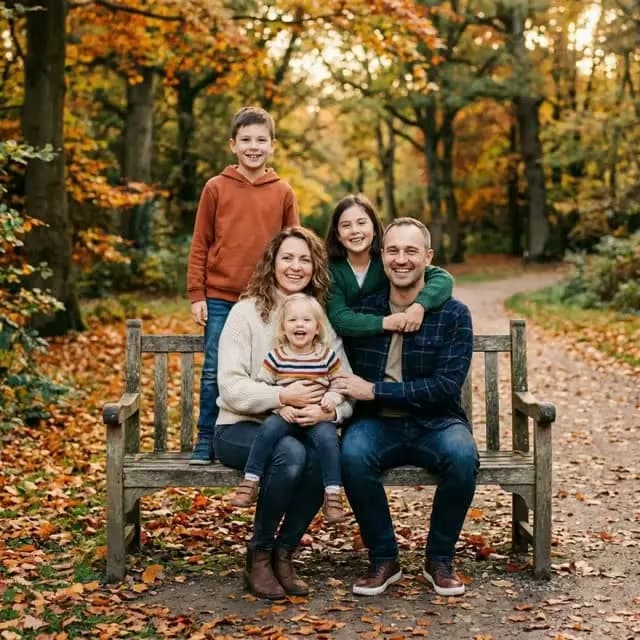
Family Photo
100 credits
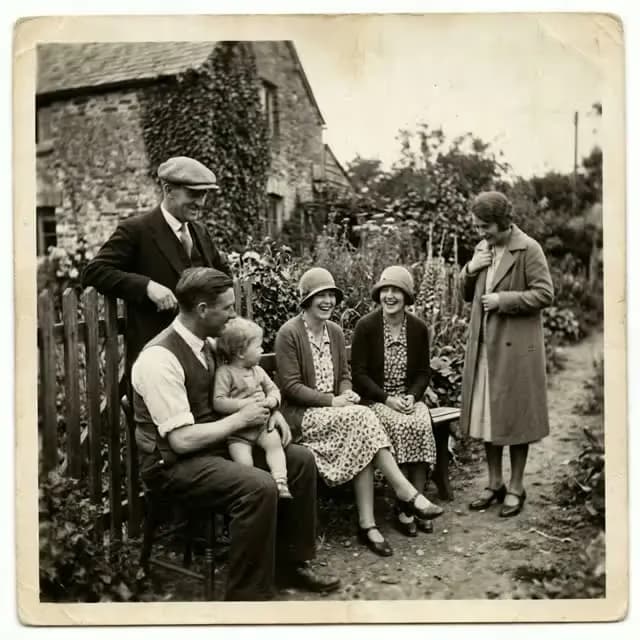
Vintage Photo
100 credits
See the results and how processing works
Frequently Asked Questions
How does photo animation work?
Our neural network analyzes the face in your photo and generates realistic movements: blinking, head turns, and facial expressions. You receive a short MP4 video as output.
Which photos work best for animation?
Portraits with a clearly visible face work best. Both color and black-and-white photos are supported, including old family photographs.
How long does animation take?
Allow about 1–3 minutes for photo animation. Settings, queues and retries can make it take longer. The form shows the current processing status and estimate.
How much does photo animation cost?
The form shows your selected mode’s cost before you start. First sign-up provides 100 starter credits shared across AI services; trial results have a watermark. Current packs are listed on the pricing page.
Where is photo animation used?
Family archives, memories of loved ones, wedding albums, presentations and social media. Clear portraits with one face work best.
What happens to your photo
- Source file retention
- Uploaded source files are automatically deleted from storage about 7 days after upload.
- Your result
- Download your own copy right after processing. How long a result is kept depends on the file type.
- Deletion on request
- Hiding a history entry does not delete the file immediately. To have a photo deleted earlier, contact support at support@fotolab.ai.
- Who has access
- Access to data is restricted. Photos are shared only to operate the service (processing, hosting, payments), and faces in photos are not used to identify anyone.
Details about retention and your rights are in the privacy policy.
Ready to Bring Memories to Life?
Upload a portrait and choose a mode. Quality and waiting time depend on the photo, settings and load.
If the picture has scratches, creases or faded areas, first restore the old photo, then animate the cleaned-up result.